When Pinterest tracking is not set up correctly, the data you see inside the dashboard often looks confusing and unreliable. Events fire inconsistently, product data does not match the catalog, and key signals like email or product IDs are missing.
These are common Pinterest tracking issues for businesses that run both Shopify and WordPress, especially when Pinterest tags were added at different times, by different people, or through multiple plugins.
The Core Problem: “Events Are Firing, But the Data Is Wrong”
At first glance, Pinterest tracking may appear to be active. Events show up in the dashboard, tags are detected, and some conversions are recorded.
But once you look closer, the problems become obvious:
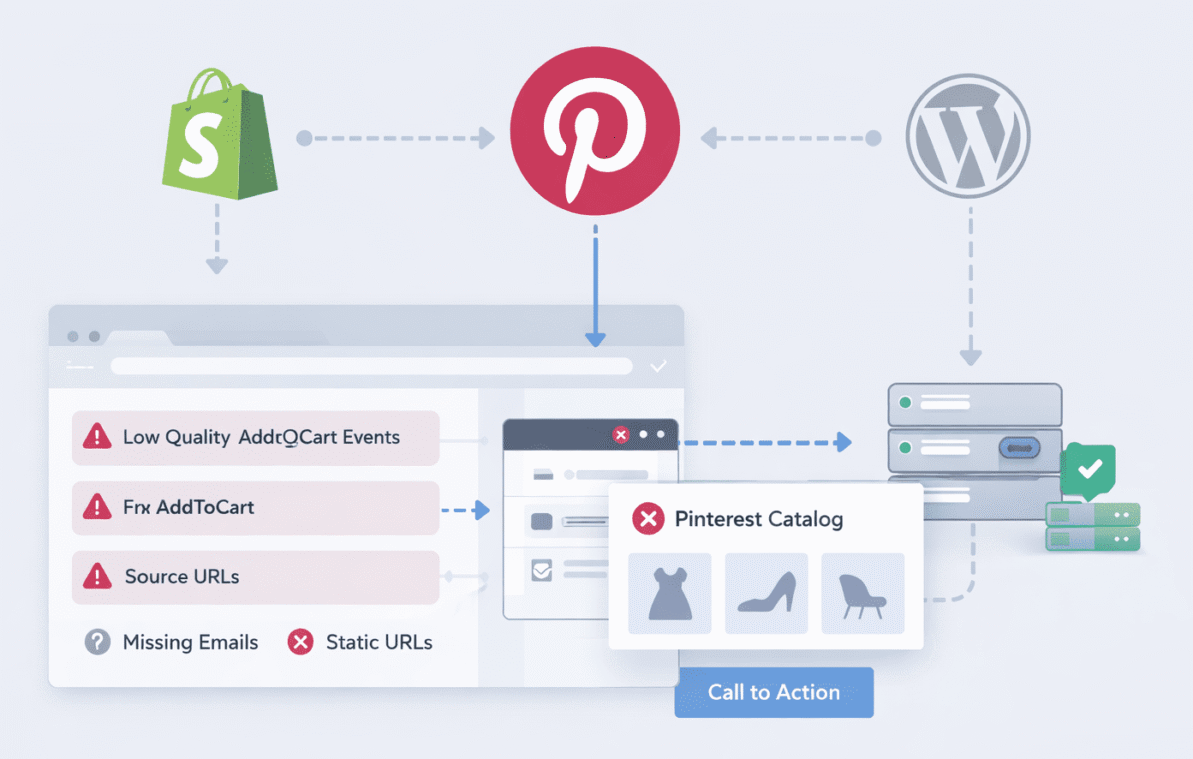
- AddToCart event quality is very low
- Email coverage is under 1%
- Source URLs are static instead of dynamic
- Product IDs do not match the catalog
- Server-side events are missing
- Duplicate tags may be firing
- Other similar Pinterest tracking issues
This situation usually means the tag is technically present, but not implemented correctly.
| Pinterest tracking issues | What’s Usually Happening | Why It Matters |
|---|---|---|
| Low AddToCart event quality | The event fires, but key data like product ID or email is missing or incorrect. | Pinterest receives the event but cannot properly use it for matching or reporting. |
| Email coverage under 1% | Email is not available or not passed at the moment the AddToCart event fires. | Without email data, Pinterest has very limited ability to recognize returning users. |
| Static source URLs | All AddToCart events send the same page URL instead of the actual product page. | Pinterest cannot identify which product or page triggered the event. |
| AddToCart missing from server events | Only browser events are firing, while server-side events are not configured. | Important event data is lost due to blockers, slow connections, or timing issues. |
| Product IDs don’t match catalog | The event sends an ID format that doesn’t match the catalog feed. | Pinterest cannot connect events to real products, breaking attribution. |
| Duplicate Pinterest tags | Multiple tags fire from Shopify, WordPress, or theme-level scripts. | Events may double-fire or conflict, reducing data reliability. |
Why This Happens on Shopify + WordPress Setups?
Websites that combine Shopify and WordPress often end up with overlapping tracking layers.
Common Pinterest tracking issues include:
- Pinterest tag added in Shopify settings
- Another Pinterest tag added via a WordPress plugin
- Theme-level scripts hardcoded months or years ago
- Partial migration from browser-only tracking to server tracking
- Enhanced Match enabled, but not actually passing data
Over time, these layers stack up and conflict with each other.
Pinterest tracking issues: Low AddToCart Event Quality
Pinterest assigns quality scores to events based on how much useful data they receive.
Low-quality AddToCart events usually mean:
- No email address is being passed
- Product ID is missing or incorrect
- URL does not change per product
- Event fires too early or too late
In many cases, the AddToCart event is triggered by a generic click listener instead of the actual cart logic.
That results in Pinterest receiving an event, but not a usable event.
Why Email Coverage Is So Low?
Email coverage under 1% is a strong signal that Enhanced Match is not working as expected.
This can happen even when Enhanced Match is “enabled” in the dashboard.
Typical reasons include:
- Email field is not available at the time AddToCart fires
- Email is not hashed correctly
- Data layer is not exposed properly
- Server events are not being sent at all
Enhanced Match requires very specific formatting and timing. If the email value is not present at the moment the event fires, Pinterest never receives it.
Static Source URLs: A Silent Tracking Killer
A static source URL means Pinterest sees the same page URL for every AddToCart event.
This usually happens when:
- Events are fired from a global script
- The URL is hardcoded
- Single-page app behavior is not handled correctly
As a result, Pinterest cannot understand which product page generated the event.
This breaks attribution and makes catalog matching unreliable.
Pinterest tracking issues : Missing or Incorrect Product IDs
For ecommerce tracking, product ID consistency is critical.
Common issues include:
- Shopify product ID sent, but catalog expects SKU
- WordPress product ID used instead of Shopify ID
- Variant IDs not handled correctly
- Event sends a generic value instead of a real product identifier
When product IDs don’t match the catalog, Pinterest cannot connect events to actual products.
This often results in warnings or ignored events.
Pinterest Events Firing but Data Looks Wrong?
If AddToCart events have low quality, emails are missing, or Shopify and WordPress are both sending data, a one-time cleanup can usually fix it. I help identify conflicts, clean up tags, and make sure Pinterest receives the correct event data.
The CAPI Problem: Server Events Not Sending
Many setups show browser events working, but no server-side AddToCart events at all.
This usually means:
- CAPI is enabled in theory, but not configured
- Server events are only set up for Purchase
- AddToCart is not mapped on the server
- Authentication or token setup is incomplete
Without server-side AddToCart events, Pinterest misses a large portion of high-quality data, especially on slower connections or blocked browsers.
Pinterest tracking issues: Duplicate Pinterest Tags
Duplicate tags are extremely common in mixed Shopify and WordPress environments.
This happens when:
- Shopify Pinterest app injects its own tag
- WordPress plugin adds another one
- A hardcoded script exists in the theme
When two tags fire:
- Events may double-fire
- Data conflicts
- Event quality drops
- Debugging becomes very difficult
Removing duplicates is usually the first step in any cleanup.
What a Proper One-Time Cleanup Looks Like
A correct cleanup is not about “adding more code”.
It’s about removing noise and rebuilding a clean tracking flow.
A proper cleanup usually includes:
- Auditing all existing Pinterest tags
- Removing duplicates from both platforms
- Choosing a single source of truth
- Fixing AddToCart logic
- Correcting product ID mapping
- Enabling real server-side AddToCart events
- Verifying catalog matching
Once this is done, the dashboard data becomes stable and predictable.
How AddToCart Should Work After the Fix
After cleanup, AddToCart events should:
- Fire once per real cart action
- Send the correct product or variant ID
- Include dynamic page URL
- Pass email when available
- Match catalog items correctly
- Appear both as browser and server events
This is what Pinterest expects and rewards with better event quality.
Verifying the Setup the Right Way
After fixes for Pinterest tracking issues are applied, verification should include:
- Browser tag inspection
- Server event confirmation
- Matching product IDs against catalog
- Checking email coverage over time
- Confirming no duplicate events
Relying on a single “green check” is not enough.
Each layer must be validated independently.
Why This Is Usually a One-Time Fix
Once tracking is cleaned up properly, it rarely needs ongoing work.
As long as:
- Platforms remain the same
- New plugins don’t inject extra tags
- No theme-level scripts are added
The setup stays stable.
That’s why many businesses look for a one-time cleanup, not a monthly retainer.
When This Problem Sounds Familiar
If you are dealing with:
- Low-quality AddToCart events
- Missing email data
- Static URLs
- Catalog mismatches
- Shopify + WordPress overlap
- and other Pinterest tracking issues
You are not alone, this exact setup causes problems for many ecommerce stores. If you need help cleaning up Pinterest tracking across Shopify and WordPress, a Codeable expert can review your setup and fix the issues correctly in one go.
Need Help Fixing Pinterest Tracking?
If your Pinterest events are firing but the data doesn’t look right, a one-time cleanup can usually resolve the issue. I help businesses remove duplicate tags, fix AddToCart events, and get server-side tracking working correctly across Shopify and WordPress.
Pinterest tracking problems are rarely caused by a single mistake.
They are usually the result of layered setups, partial configurations, and duplicated scripts over time. Cleaning things up properly means removing what doesn’t belong there and making sure each event sends the right data at the right moment.
Once that is done, the system starts behaving the way it should.