Astra Pro makes it easy to build flexible headers, but mobile headers behave very differently from desktop ones. One of the most common problem areas is the combination of a mobile logo and an off-canvas menu.
On paper, the setup looks simple: show a logo, add a hamburger icon, open the menu from the side. In practice, small configuration choices can cause the logo to disappear, overlap the menu toggle, or break alignment on certain screen sizes.
| Problem | Why It Happens | How to Fix It |
|---|---|---|
| Mobile logo disappears when menu opens | The off-canvas menu is layered above the header | Adjust header and menu z-index so the header stays visible |
| Logo overlaps the hamburger icon | Logo is too wide or mobile layout is not aligned | Use a dedicated mobile logo and align elements with flex |
| Logo is too small on mobile | Astra auto-scales the desktop logo | Set a mobile logo or control logo width with CSS |
| Off-canvas menu covers the header | Menu is set to full height with higher z-index | Lower the menu z-index or raise the header layer |
| Header jumps when menu opens | Sticky header conflicts with off-canvas positioning | Disable sticky header on mobile or unify positioning |
| Menu toggle is hard to tap | Logo or invisible elements overlap the toggle area | Fix spacing and stacking order in the mobile header |
Mobile Logo Looks Fine, But Disappears When Menu Opens
This issue often confuses site owners because everything looks correct until the off-canvas menu is opened.
What usually happens is this:
- the header has a lower z-index than the off-canvas container,
- the menu slides in above the header,
- the logo is technically still there but hidden behind the menu layer.
This is not a bug. Astra treats the off-canvas menu as a separate component.
The fix is to clearly define which element should stay on top:
.site-header {
	position: relative;
	z-index: 1000;
}

.ast-off-canvas-menu {
	z-index: 999;
}
After this change, the logo stays visible while the menu opens.
Need Help With Astra Theme Setup or Customization?
Whether you’re dealing with layout issues, mobile headers, menus, or custom styling, an experienced WordPress developer can help you configure Astra cleanly and correctly.
Logo and Hamburger Icon Overlap on Mobile
This happens most often when:
- the desktop logo is reused on mobile,
- the logo is too wide,
- the header layout is set to center alignment.
Astra does not automatically know how much space your logo needs. When space runs out, elements start overlapping.
The simplest fix is to:
- set a dedicated mobile logo,
- reduce its width,
- align the logo and toggle using flex layout.
@media (max-width: 768px) {
	.ast-mobile-header-content {
		display: flex;
		align-items: center;
		justify-content: space-between;
	}
}
This forces Astra to respect spacing instead of stacking elements.
Logo Is Too Small on Mobile Devices
Astra sometimes scales logos aggressively on small screens, especially when a mobile logo is not defined.
The result is a logo that becomes unreadable.
You can control this manually:
@media (max-width: 768px) {
	.site-header .custom-logo {
		max-width: 140px;
		height: auto;
	}
}
This keeps the logo readable without breaking the header layout.
Off-Canvas Menu Covers the Header Completely
Some sites intentionally want the menu to cover the entire screen. Others don’t.
If your menu covers the logo and header, it usually means:
- the off-canvas menu is set to full height,
- the header is not fixed,
- z-index stacking is not controlled.
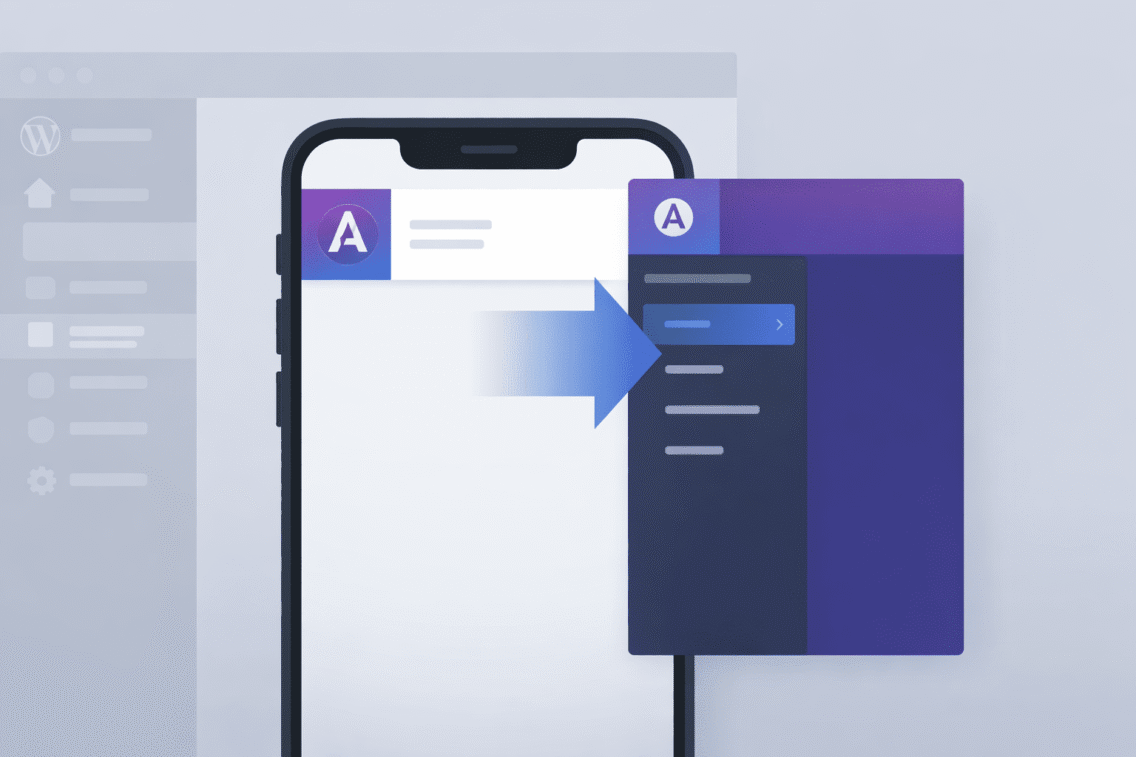
To keep the header visible, make sure the header stays above the menu or that the menu opens below it.
In some designs, keeping the header visible helps users orient themselves while navigating.
Logo Moves or Jumps When Scrolling With Menu Open
This is common when:
- the header switches between static and sticky modes,
- the off-canvas menu is fixed,
- the body scroll is not locked.
The result is a “jumping” logo when the menu opens or closes.
In these cases, keeping the header position consistent on mobile usually solves the issue. Avoid mixing sticky headers with full-screen off-canvas menus unless absolutely needed.
Mobile Header Breaks Only on Certain Screen Sizes
Some issues only appear between specific widths, for example between 768px and 920px.
This usually happens when:
- custom CSS uses fixed breakpoints,
- Astra uses slightly different breakpoints internally,
- desktop styles leak into mobile.
Always check your custom CSS media queries and align them with Astra’s mobile breakpoint.
Custom Header Builder Conflicts With Astra Header
If you are using Elementor or another builder to create a custom header, Astra’s default mobile header may still load underneath.
This causes:
- duplicate logos,
- overlapping menus,
- broken off-canvas behavior.
In these cases, you should either:
- disable Astra’s header completely, or
- rely only on Astra’s header system.
Mixing both almost always causes mobile-only issues.
Logo Click Area Is Not Clickable
Sometimes the logo looks fine, but tapping it does nothing.
This often happens because:
- the menu toggle overlaps the logo area,
- an invisible element sits on top of the logo,
- z-index values conflict.
Inspecting the header in mobile view usually reveals the issue. Adjusting spacing or z-index fixes it quickly.
Off-Canvas Menu Opens, But Header Shifts
This usually means:
- the body scrollbar disappears,
- padding changes when the menu opens,
- layout is not locked properly.
Keeping consistent padding and avoiding layout shifts makes the menu feel more stable.
Everything Looks Fine in Preview, But Broken on Real Devices
Browser resizing is not the same as real mobile testing.
Always test:
- iOS and Android if possible,
- menu open and closed states,
- scrolling behavior,
- tap areas, not just visuals.
Many Astra mobile issues only appear on real devices.
Need Help Fixing Astra Pro Mobile Header Issues?
If your mobile logo or off-canvas menu isn’t behaving correctly, an experienced WordPress developer can fix the setup without breaking your header or navigation.
1. Why does the mobile logo disappear when the off-canvas menu opens in Astra?
This usually happens because the off-canvas menu is layered above the header. The logo is still present in the markup, but it gets hidden behind the menu container. Adjusting the z-index order between the header and the off-canvas menu typically resolves this issue.
2. Do I need to upload a separate logo for mobile in Astra Pro?
Yes, using a dedicated mobile logo is highly recommended. It gives you better control over size and spacing on small screens and prevents Astra from auto-scaling the desktop logo. This often fixes alignment issues without any custom code.
3. Why do the logo and hamburger icon overlap on mobile devices?
This happens when the logo is too wide for the mobile header or when the layout alignment is not balanced. Astra does not automatically adjust spacing when screen width becomes very limited. Reducing logo width or adjusting the mobile header layout usually fixes the overlap.
4. Can I keep the logo visible while the off-canvas menu is open?
Yes, it is possible to keep the logo visible while the menu is open. This requires controlling the layering so the header stays above the menu container. Many sites choose this approach to keep branding visible during navigation.
5. Is this issue caused by Astra Pro or custom CSS?
In most cases, the issue is caused by custom CSS rather than Astra itself. Desktop-focused styles often override mobile header behavior unintentionally. Reviewing media queries usually reveals the problem quickly.
6. Why does the mobile header look fine in preview but broken on real devices?
Browser resizing does not always reflect real mobile behavior. Touch areas, viewport height, and scrolling work differently on actual devices. Testing on real phones often reveals issues that previews miss.
7. Does using a sticky header on mobile cause off-canvas menu issues?
It can. Sticky headers add another positioning layer that may conflict with the off-canvas menu. If you notice jumping or layout shifts, disabling sticky behavior on mobile is often the easiest fix.
8. Can I use a custom Elementor header together with Astra’s mobile header?
Mixing a custom header with Astra’s built-in header usually causes conflicts. Duplicate logos, overlapping menus, and broken alignment are common results. It is best to use one header system consistently.
9. Will fixing the mobile header affect the desktop layout?
Not if the changes are properly scoped to mobile breakpoints. Using media queries ensures desktop layouts remain unchanged. Always test both views after making adjustments.
10. When should I consider rebuilding the header instead of fixing it?
If the header uses multiple systems and many overrides, rebuilding can be faster and cleaner. For smaller issues, targeted fixes are usually enough. The decision depends on how complex the current setup is.
Still Having Trouble with Astra’s Off-Canvas Menu?
Mobile header issues can be tricky, especially when logos and menus start overlapping or disappearing. A certified WordPress expert can review your setup and fix it cleanly.